
Falling Pickaxe Free Demo in Your Browser
The free Falling Pickaxe demo lets you test the controls and mining features with virtual results before you decide how you want to play.
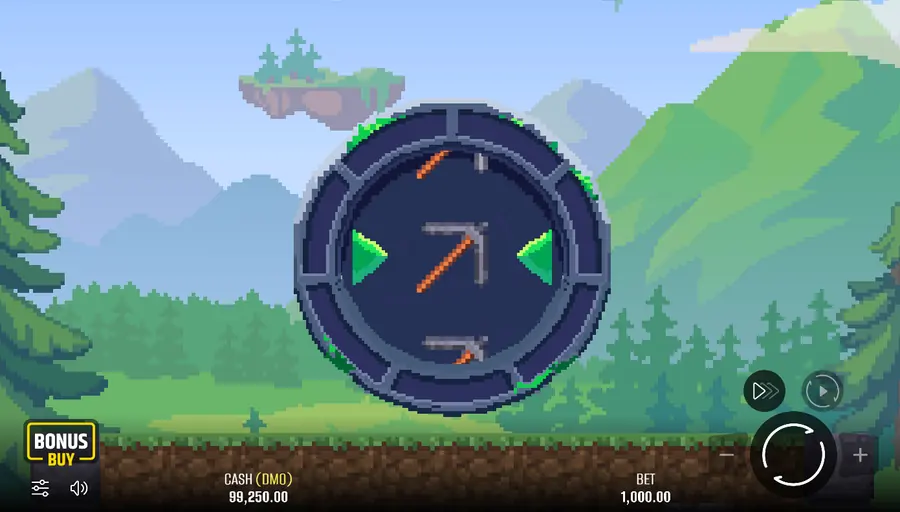
Use the browser demo to get familiar with Falling Pickaxe without making a deposit. You can adjust the stake, inspect the interface, and see how the pickaxe types, blocks, and special elements work during a round. It is a practical tour of the game’s controls and timing, while any balance or win shown on screen stays inside the test session.
How to Launch the Falling Pickaxe Demo
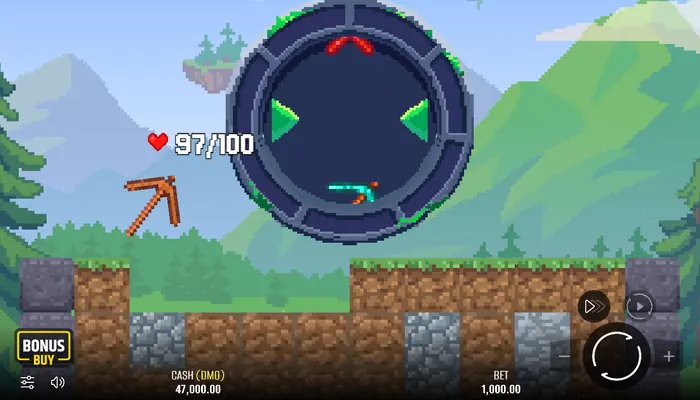
Open the demo in your browser, set a stake with Plus and Minus, then press Spin. No registration or deposit is needed. If you would rather use a phone, you can download the game, although the free browser version does not require an app.
What the Free Version Includes
The free version gives you access to the interface, mining field, settings, and core game events. You can inspect the controls and watch the game resolve a round without putting a cash stake at risk. Banking features are outside this test mode.
The Cash (DMO) Balance Display
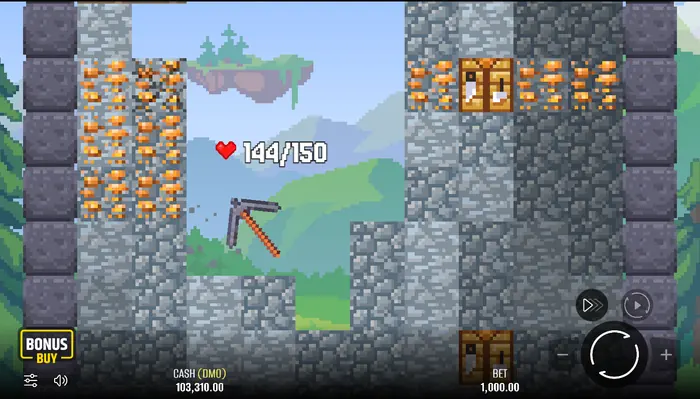
Cash (DMO) identifies the balance used by the demonstration session. Figures such as 47,000 and 103,310 are interface values; they do not carry over to real-money play or become withdrawable funds. Once you know your way around the demo, you can visit Real Money play to read about the separate mode.
Spin, Bet, and Stop Controls
Spin starts the round, while Plus and Minus change the selected bet. Turbo shortens animation pauses; Sound controls the audio, and Menu opens the rules, paytable, and settings. On a small screen, take a moment to check which control you have tapped. Animation speed does not change the game mechanics.
How to Reset a Demo Session
Reload the page or open the game again to test the setup from the beginning. Depending on the widget, a fresh launch can restore the starting virtual balance rather than preserve the previous result. If the demo is closed, return through Home and launch a new session.
Your First Round on the Mining Field
The reel can produce a Cross, Wood, Stone, Iron, or Diamond Pickaxe. A Cross gives no pickaxe; the other four results begin a mining round, with the pickaxe’s HP determining how long it can continue. Every strike reduces the pickaxe HP and, when applicable, the block HP. Rewards from completed ore blocks are added together and paid when the pickaxe reaches zero HP.
Pickaxe Movement and Block Destruction
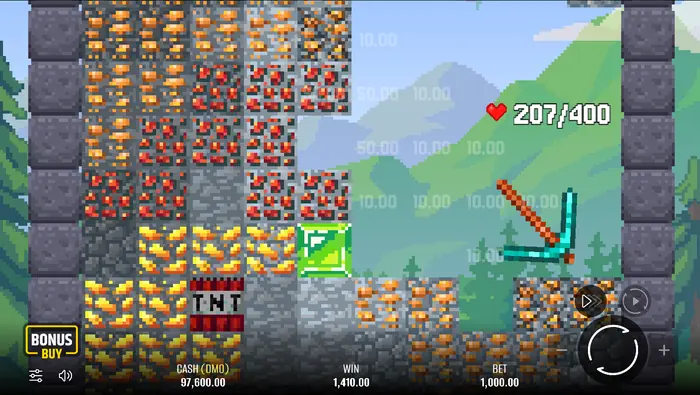
The pickaxe travels through the field automatically, so your attention is on the route and the blocks it reaches. Dirt and Stone have 1 HP and pay nothing. Ore needs more hits; when its HP reaches zero, the listed reward joins the round total.
How to Read Values on the Field
Numbers on the field show either block durability or the reward attached to a qualifying block. The running total is separate from the WIN line, and Cash (DMO) is the demo balance. This table helps you tell HP from the stake multiplier:
| Block | HP | Reward |
|---|---|---|
| Dirt | 1 | No win |
| Stone | 1 | No win |
| Copper | 5 | ×0.01 of bet |
| Redstone | 10 | ×0.05 of bet |
| Gold | 15 | ×0.2 of bet |
| Diamond | 20 | ×1 of bet |
| Emerald | 30 | ×5 of bet |
Mining Chains and Round Events
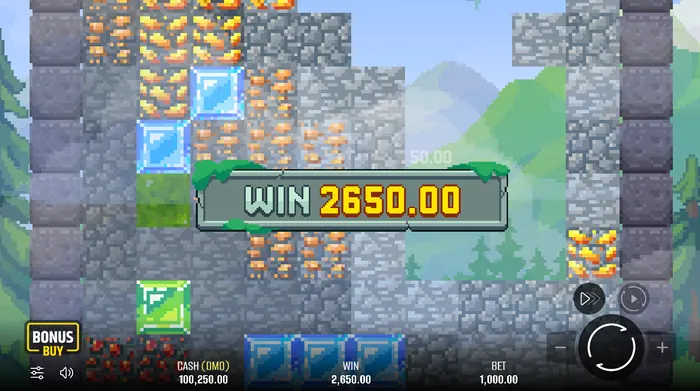
Falling Pickaxe resolves the field one block at a time. Confirmed rewards accumulate until the pickaxe runs out of HP, then the round total is settled. The supplied rules do not confirm a cascade refill or a guaranteed new layout after a block breaks, so a visual change on the field should not automatically be read as a separate bonus.
What Happens After a Block Breaks
When a block reaches zero HP, the pickaxe continues along the route if it still has durability. Watch the next collision to see whether the path leads to another ordinary block, ore, or special element. The rules do not define an automatic cascade or replacement layout; the meaningful result is the reward already confirmed and added to the round total.
Why a Large WIN Is Not Guaranteed
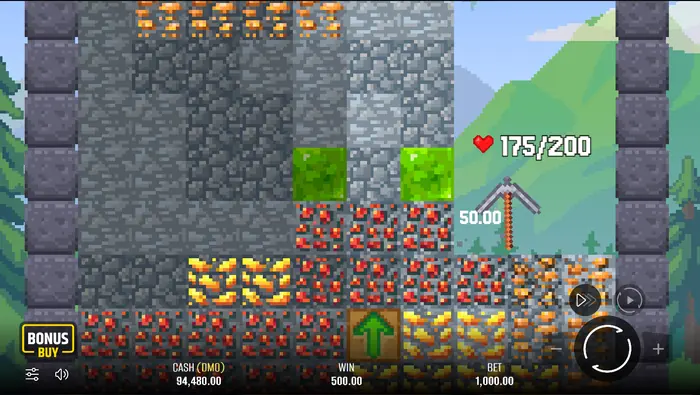
A demo screen can show examples such as 2,650.00 or 5,130.00, but an individual display says nothing about the next round. The total depends on the pickaxe awarded and the blocks it breaks before its HP is exhausted. The listed maximum win is x160.
Special Elements in the Demo
Three named special elements appear in the rules: TNT, Upgrade Arrow, and Workbench. They affect the field or the pickaxe differently from ordinary reward blocks, so their animation deserves a separate look during a test round.
TNT and Area Destruction
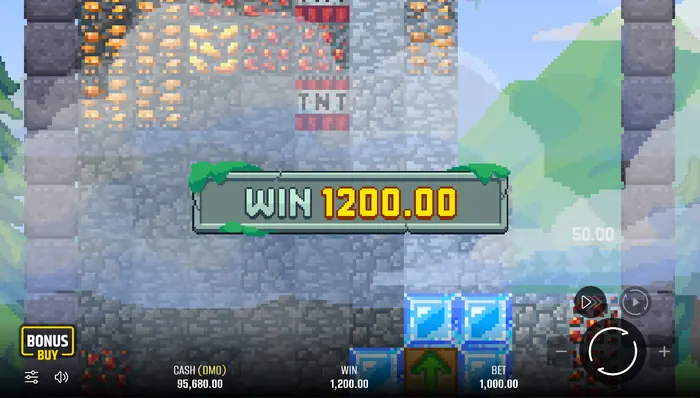
TNT is a red explosive block. Once destroyed, it detonates and removes blocks within a defined radius. The rules do not state the radius, so use the animation to judge which part of the field has been affected.
Green, Blue, and Gold Blocks
Colour by itself does not confirm a separate mechanic. The paytable names Dirt, Stone, Copper, Redstone, Gold, Diamond, and Emerald, while the special elements are TNT, Upgrade Arrow, and Workbench. If a coloured block looks unfamiliar, check the in-game rules or paytable before assigning it an effect.
How to Set Your Demo Bet
The Bet field sets the stake used for a round, and Plus or Minus adjusts it. Available bets run from $0.10 to $100.00. A comfortable setting makes comparisons easier and avoids changing the stake simply to chase a special element.
Comparing a Small and Large Bet
The multiplier attached to a block stays the same as the stake changes; only the displayed amount scales. Copper pays ×0.01 of the bet, Diamond ×1, and Emerald ×5. The table shows what that means for the three examples:
| Block | Reward basis | What changes with the bet |
|---|---|---|
| Copper | ×0.01 | Displayed amount scales with stake |
| Diamond | ×1 | Displayed amount scales with stake |
| Emerald | ×5 | Displayed amount scales with stake |
Auto Mode and Fast Play
Auto opens a setting for the number of spins, then runs them at the stake selected when Auto was enabled. Press Auto again to stop. Turbo speeds the animation and is handy during a longer session, while manual Spin gives you a clearer view of one block collision.
RTP, Volatility, and an Honest Demo Reading
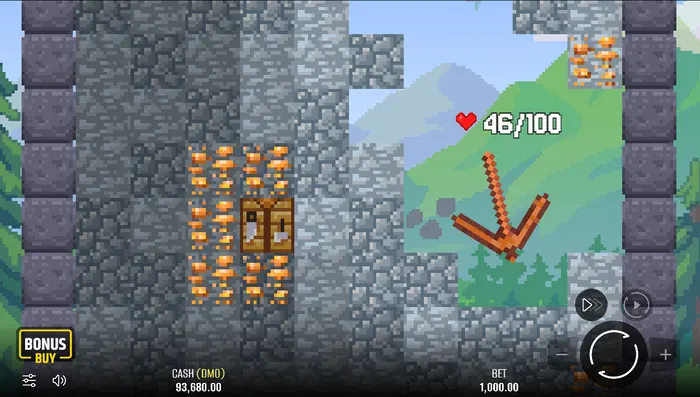
Falling Pickaxe is listed with 95% RTP and Low volatility. Those are game statistics for this version, not a forecast for a short session. The maximum win is listed as x160, so treat the demo as a way to inspect the mechanics and keep any real-money decision separate from what the virtual screen happens to show.
Benefits and Limits of Free Play
| What is useful | What to keep in mind |
|---|---|
| Free browser access without registration or a deposit | Demo results cannot be withdrawn as money |
| You can study the interface, bets, and mining mechanics | The Cash (DMO) balance is only virtual |
| Special events can be observed without financial risk | A short test session cannot represent every possible round |
| Settings such as Auto, Turbo, Sound, and Menu can be explored | Demo play does not prove a future result in real-money mode |
Where to Go Next
After trying the controls, use the in-game Menu and paytable to check any rule you want to verify. You can then close the demo, practise more, or consider whether a real-money mode fits the limits you set for yourself.
FAQ
How do I play the Falling Pickaxe demo?
Open the game in your browser, choose a bet, and press Spin. Use the first round to learn the controls, pickaxe results, and field indicators at your own pace.
Can I win real money in demo mode?
No. Cash (DMO) and the wins displayed in the test session are virtual values with no withdrawal value.
What are the RTP and volatility of Falling Pickaxe?
The supplied game information lists a 95% RTP and Low volatility. These figures describe the game and cannot predict the result of an individual round.
Which special elements are confirmed in the game?
The confirmed elements are TNT, Upgrade Arrow, and Workbench. TNT destroys blocks within a defined radius; Upgrade Arrow increases the pickaxe size temporarily, and repeated arrows can raise it to 2x and then 2.5x its original size. Workbench restores the pickaxe HP and moves it to the next level, or fully restores a Diamond Pickaxe.